Know what’s ahead before you hit it. The LowDown is a map built by drivers of low cars. Here is how to use it, and what every symbol on the map means.
Four steps
Add your car
Pick the year, make and model, then measure your lip height, front overhang and lowest point in inches. Every report you make is saved with the car you are driving, so other drivers can compare.
Check the map
Hazards load for whatever part of the map you are looking at. Tap any symbol to see who scraped, who cleared it, and how low their car was. Use Layers to switch contour lines, unpaved roads, road work and E85 stations on or off.
Plan or explore
Search where you are going and see every hazard on the route, then tap Start for turn-by-turn with voice and hazard warnings. Or tap Explore and just drive: the map follows you and warns you about what is ahead.
Mark what you hit
Moving? One tap on the big Mark button saves the spot. Once you are parked, say what it was and whether you scraped, angled in or cleared. Stopped? Tap Report hazard and place it yourself.
Map key
The same symbols you see in the app. You can also find this key in the app under Settings › Help.
Hazards
Square tags. The letters say what it is.
Driveway
Speed bump
Dip
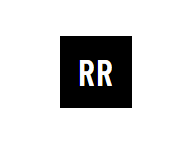
Rail crossing
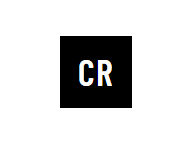
Steep crest
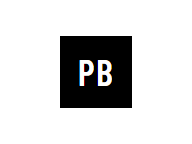
Parking blocks
Hazard colors
The color shows how other low cars did.
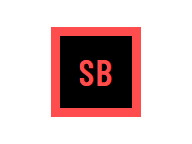
Red: someone scraped here
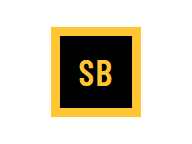
Yellow: someone had to take it at an angle
White: only clean passes so far
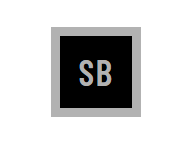
Grey: spotted, nobody has driven it yet
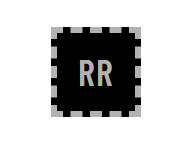
Dashed: from an official list, not checked by a driver yet
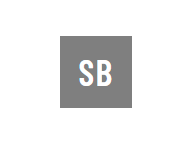
Faded: nobody has confirmed it in a while
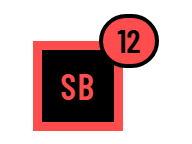
Number: several of the same kind close together (hazards, road work or E85). Zoom in or tap it to see each one
Yellow line: rough road
Red line: rough road, avoid it
Road work
Round orange tags, from state road department feeds.
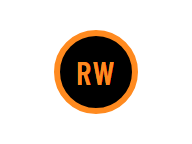
Road work
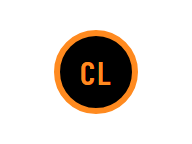
Lane or partial closure
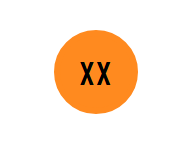
Whole road closed
Other layers
Switch these on or off with Layers in the app.
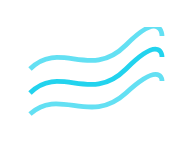
Contour lines: hills, crests and switchbacks
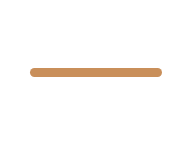
Unpaved road (gravel or dirt)
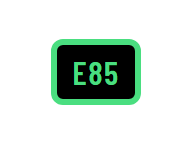
E85 fuel station
Shops, tracks and meets
Shown while you explore.

Performance and tuning shop

Body and styling shop
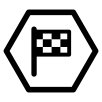
Race track

Meet or car show, with a countdown to when it starts
Help map your area
The beta starts on iPhone, with Android to follow. Every report helps the next low car.

